Medical Disclaimer: This article is for informational purposes only and does not constitute medical advice. Always consult your physician about your blood pressure targets, medications, and how often to monitor. If you experience severe headache, chest pain, shortness of breath, or vision changes alongside a high reading, seek medical care immediately.
A blood pressure monitor is only useful if the person who needs it can actually work it. For many older adults, the obstacle is not accuracy at all — it is a cuff that takes two strong hands to wrap, a screen with digits too small to read, or a menu of buttons that turns a 90-second task into a daily frustration. Arthritis, reduced grip strength, low vision, tremor, and memory changes all get in the way, and a monitor bought for its feature list can end up unused in a drawer.
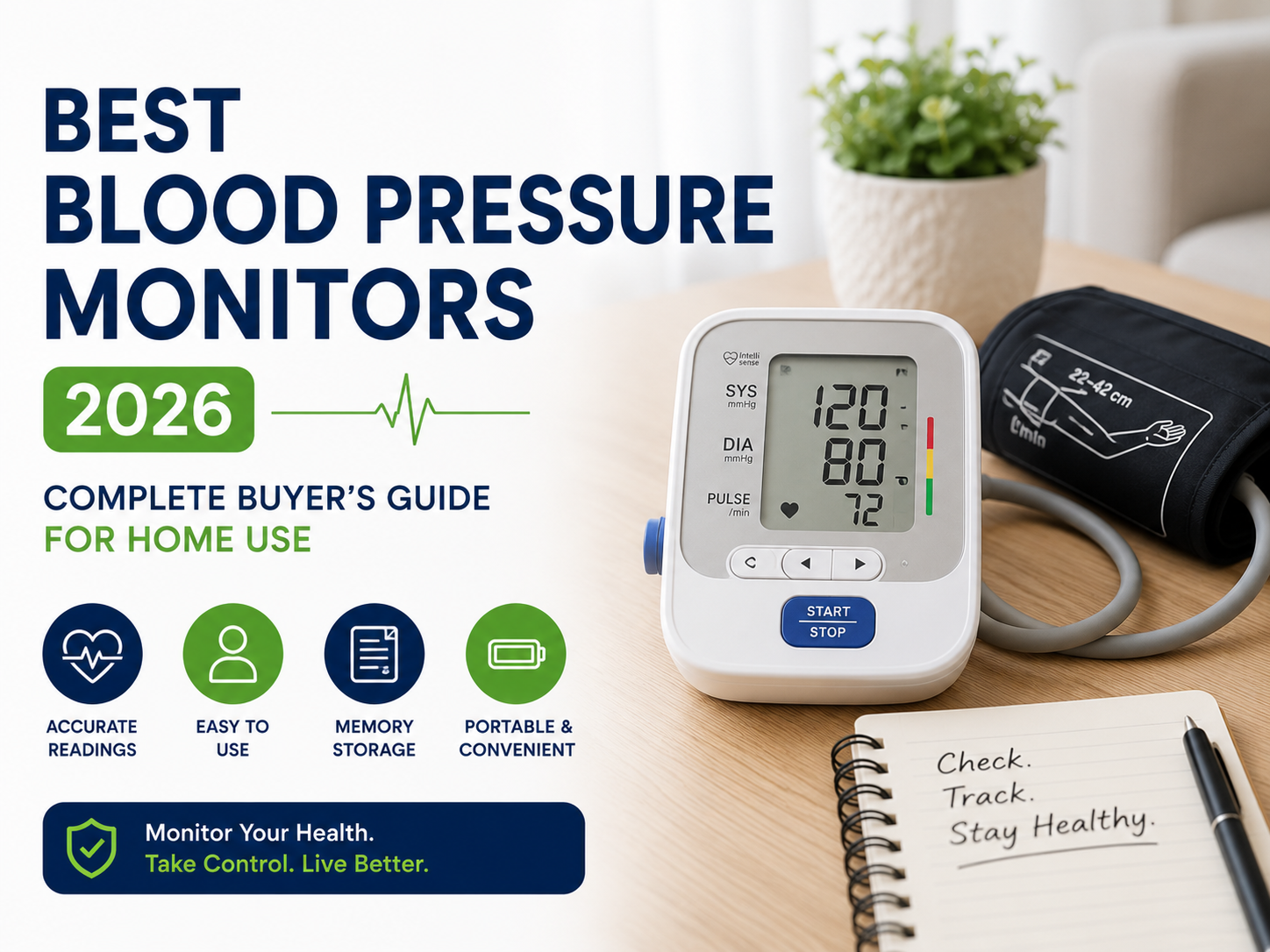
This guide is about usability, not spec sheets. It covers the specific design features that make a home blood pressure monitor genuinely easy for a senior to use independently — and easy for a caregiver to help with — so that the readings actually get taken. If you want a straight product roundup with a side-by-side comparison table, see our companion guide, Best Blood Pressure Monitors for Home Use 2026. This article picks the accessibility features to prioritize before you choose.
Why Standard Monitors Fail Many Older Adults
Most home blood pressure monitors are designed for a general adult who has two well-functioning hands and clear near vision. That assumption breaks down in several common ways:
- Stiff cuffs need two hands. A traditional cuff must be positioned, threaded, and pulled snug — hard to do one-handed, and harder still with arthritic fingers or weak grip.
- Small, low-contrast screens. Faint gray digits on a small display are difficult to read with age-related low vision, cataracts, or macular changes.
- Too many buttons and menus. Multi-button monitors with user-profile menus and date/time setup can be confusing and lead to skipped or misrecorded readings.
- App dependence. Monitors that route everything through a smartphone app assume comfort with pairing, updates, and logins that not every senior has.
The good news: monitors designed with these challenges in mind exist, and choosing for usability rarely means giving up accuracy. Clinically validated, senior-friendly models are widely available.
The Features That Make a Monitor Senior-Friendly
Fully Automatic, One-Button Operation
The simplest monitors do everything from a single button: press once, the cuff inflates on its own, and the reading appears. There is no bulb to squeeze and no menu to navigate. For anyone with limited hand strength or who finds technology stressful, one-button operation is the single most important feature to prioritize.
Automatic Cuff Inflation
Avoid any manual (bulb-inflation) monitor for independent senior use — squeezing an inflation bulb repeatedly requires sustained grip strength that many older adults do not have. A fully automatic cuff inflates itself at the press of a button.
An Easy-Wrap or Pre-Formed Cuff
Cuff design is where usability is won or lost. Look for a pre-formed or “easy-wrap” cuff with a rigid guide (often a D-ring) that lets the user slide an arm in and pull the end snug with one hand. This is far more manageable for a person with arthritis or the use of only one strong arm than a floppy cuff that has to be held in place while being fastened.
A Large, Backlit, High-Contrast Display
Big, bold digits on a backlit screen make readings legible for low-vision users and reduce the chance of misreading a number. A backlight also helps in the dim light of an early-morning bedroom, when readings are often taken.
Color-Coded Hypertension Indicators
Many senior-oriented monitors include a color bar or indicator light (green/yellow/red) that shows at a glance whether a reading falls in a normal, elevated, or high range according to standard categories. This gives immediate, interpretable feedback without having to remember the numeric thresholds — though it is a guide, not a diagnosis.
Talking (Audio) Monitors for Low Vision
For users who cannot comfortably read a screen at all, talking blood pressure monitors announce the readings aloud, often in a choice of languages. These are one of the most valuable options for people with significant vision loss and allow fully independent monitoring.
Simple Memory and Automatic Averaging — Without an App
On-device memory that stores recent readings and calculates an average (many physicians want the average of the last few readings) is genuinely useful. The key is that it should work on the monitor itself, with the numbers visible on the screen — not locked inside a phone app. App connectivity is a nice extra for a tech-comfortable family member who helps track trends, but it should never be the only way to see the data.
Dual-User Profiles for Couples
When two spouses share one monitor, a two-user model keeps each person’s readings separate so trends don’t get mixed together. Look for a clearly labeled A/B user switch rather than a buried menu setting.
The Right Cuff Size
Usability doesn’t help if the cuff doesn’t fit. Measure the upper-arm circumference at the midpoint between shoulder and elbow and match it to the cuff range: a cuff too small reads high, one too large reads low. Larger arms may need a wide-range or large cuff, and many monitors offer replacement cuffs in additional sizes.
Upper Arm or Wrist for Arthritis and Weak Grip?
For clinical accuracy, upper-arm monitors are the general gold standard. But for a senior with arthritis or the use of only one hand, a wrist monitor can be easier to put on independently, since there is no cuff to wrap around the upper arm. The trade-off is that wrist monitors demand precise positioning — the wrist must be held level with the heart during the reading — which can itself be difficult for some users.
The practical answer is individual: if the person can apply an easy-wrap upper-arm cuff (or has a caregiver to help), upper arm is preferable for accuracy; if independent one-handed application is the priority and positioning can be managed, a wrist model may get more consistent real-world use. For a full breakdown of the accuracy trade-offs, see Upper Arm vs Wrist Blood Pressure Monitors: Which Is More Accurate?
Setting a Senior Up for Success
The right monitor is half the job; a workable routine is the other half. A few things help readings actually get taken and stay reliable:
- Do the setup for them. Set the date, time, and user profile once at the start so the person never has to touch a menu again.
- Leave it out, not in a drawer. A monitor kept in a consistent, visible spot next to a comfortable chair gets used; one packed away does not.
- Anchor it to a habit. Same time each day — for example before morning medication and before bed — builds the routine and gives the most comparable readings.
- Make sharing easy. A simple printed log kept beside the monitor, or a family member who photographs the screen, lets the care team see the trend. Correct technique matters as much as the device — see How to Take Blood Pressure Correctly at Home.
When Accuracy and Features Still Matter
Prioritizing usability does not mean settling for a less capable device. The most senior-friendly monitors are still clinically validated and full-featured. Once you know which accessibility features you need, our companion buyer’s guide walks through specific validated models, memory and connectivity options, and a side-by-side comparison table: Best Blood Pressure Monitors for Home Use 2026.
Shop Blood Pressure Monitors at AllCare Store
AllCare Store carries clinically validated upper-arm and wrist blood pressure monitors, including easy-wrap cuff, large-display, and simple one-button models suited to seniors and caregivers. Browse the full Blood Pressure collection to compare options.
- Free Shipping on every order — no minimums
- Discreet Packaging — plain, unmarked boxes
- 30-Day Returns — full confidence guarantee
- Expert Support — call us at 1-888-889-6260
Frequently Asked Questions: Senior-Friendly Blood Pressure Monitors
What is the easiest blood pressure monitor to use with arthritis?
Look for a fully automatic, one-button monitor with a pre-formed or easy-wrap upper-arm cuff (usually with a rigid D-ring) that can be slid on and pulled snug with one hand. Avoid any bulb-inflation model, which requires repeated squeezing. For some people with severe hand limitations, a wrist monitor is easier to put on independently, though it requires holding the wrist level with the heart during the reading.
Are there talking blood pressure monitors for low vision?
Yes. Talking (audio) blood pressure monitors announce the systolic, diastolic, and pulse readings aloud, often with a choice of languages and adjustable volume. They allow a person who cannot comfortably read a screen to monitor fully independently, and are one of the most useful options for users with significant vision loss. Pair a talking monitor with a large, backlit display for the best of both.
Does a senior need a Bluetooth or app-connected monitor?
Not necessarily. App connectivity is helpful when a tech-comfortable family member wants to track trends or share data with the doctor, but it should be an extra, not the only way to see the readings. For independent senior use, on-device memory that shows recent readings and an average directly on the screen is more important than app features. Choose the simplest device that meets the person’s needs.
Can two people (a couple) share one blood pressure monitor?
Yes — choose a two-user monitor with a clearly labeled A/B switch so each person’s readings and averages stay separate. If the two people have very different arm sizes, confirm the cuff range fits both, or keep a second correctly sized cuff. Keeping the readings separated matters, because mixing two people’s numbers makes trends impossible to interpret.
How can a caregiver help a senior get reliable readings?
Do the one-time setup (date, time, user profile) so the person only ever presses the start button. Keep the monitor in a consistent, visible spot by a comfortable chair, and anchor readings to a daily habit such as before morning medication and before bed. Make sharing simple with a printed log beside the monitor or a quick photo of the screen. Good technique — resting five minutes, back supported, feet flat, arm at heart level, no talking — matters as much as the device itself.