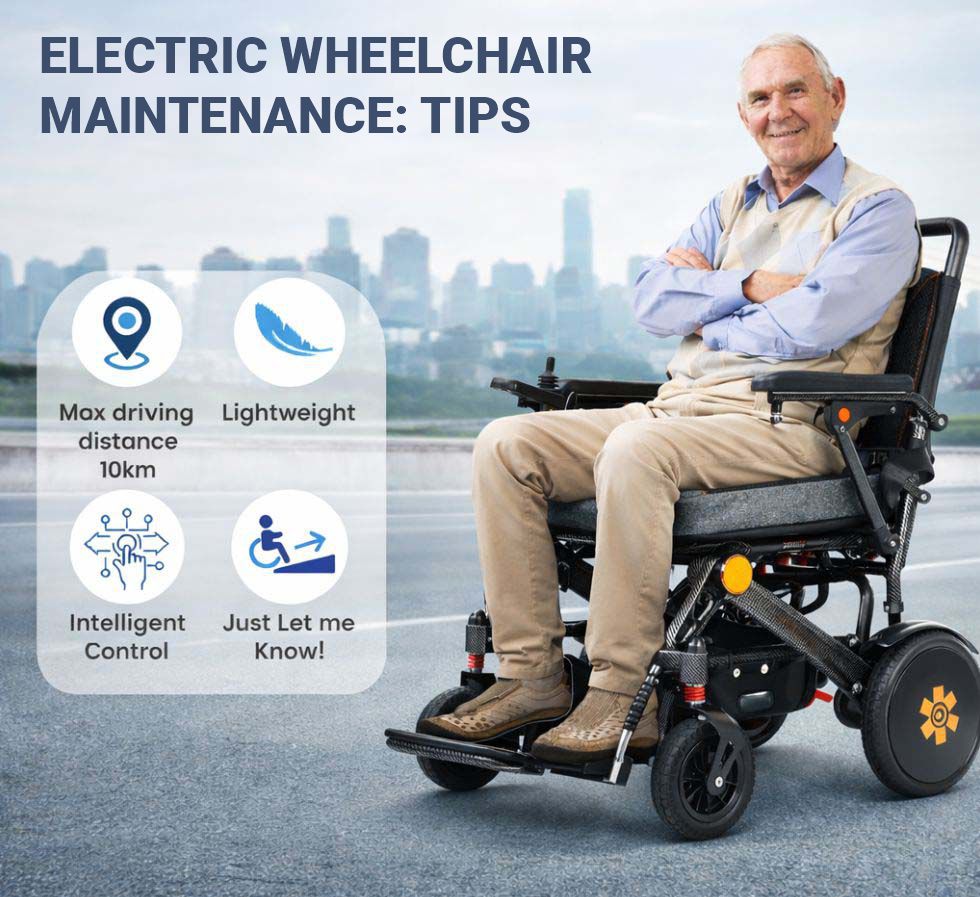
Power wheelchairs are reliable machines, and almost every unexpected breakdown traces back to one of three things: batteries that were never charged properly, tires that were never checked, or a fault that was ignored until it became a failure. This guide gives you one consolidated maintenance schedule that applies to any power chair — folding, travel, or full-size — and then goes further into diagnosing problems and deciding when a repair is worth paying for.
The maintenance schedule
After every use
- Put it on charge. This is the single highest-impact habit. Sealed lead-acid and AGM batteries are damaged by sitting partially discharged, and a chair charged nightly will routinely outlast an identical chair charged “when it gets low” by a year or more.
- Wipe down the joystick and controller with a barely damp cloth and dry it. Moisture in the control module is the most common non-battery electrical failure.
- If you have been out in rain or snow, dry the frame, connectors, and charging port before charging.
Weekly
- Check tire pressure if you have pneumatic tires. Inflate to the PSI printed on the sidewall, not by feel. Low pressure is the leading cause of reduced range and of a chair that pulls to one side.
- Inspect solid and flat-free tires for flat spots, cracking, and worn-away tread.
- Clear the front casters. Hair, carpet fibers, and thread wrap around caster axles and cause flutter, drag, and eventually bearing failure. Roll the chair back, look at the axle, and pull anything wrapped around it.
- Look at the charging port and battery connectors for green corrosion, bent pins, or a loose fit.
Monthly
- Check that armrest, footrest, seat, and frame fasteners are tight. Vibration loosens hardware steadily.
- Inspect the wiring harness for chafing, especially where cables pass near moving parts or the folding mechanism.
- Test the brakes: on a level surface at low speed, release the joystick and confirm the chair stops promptly and holds on a mild slope.
- Clean the upholstery and inspect the seat cushion for compression damage. A bottomed-out cushion is a safety issue, not a comfort issue — see our seating and pressure-injury guide.
- Confirm the freewheel or brake-release lever moves freely and latches securely in the drive position.
Every 6 to 12 months
- Have a qualified technician inspect motors, gearboxes, brake solenoids, and controller programming.
- Test battery capacity under load (details below) and plan replacement before you get stranded.
- Review the whole chair for frame cracks, particularly around folding joints and mounting brackets on folding models.
Storage and environment
- Store indoors, dry, ideally between about 50°F and 80°F. Cold is the enemy of range — a chair that does 15 miles in summer may do noticeably less near freezing, and that is normal, not a fault.
- If the chair will sit unused for more than a few weeks, charge it fully first and top it up roughly monthly. Lead-acid batteries left flat sulfate permanently and never recover.
- Never pressure-wash or hose down a power chair. Damp cloth only.
Troubleshooting the five most common faults
1. The chair will not power on at all
Work through this in order before calling anyone:
- Is the charger still plugged in? Most chairs disable drive while charging, by design.
- Is the freewheel lever engaged? Nearly all chairs refuse to drive with the motors disengaged.
- Find the resettable circuit breaker — usually a small push button on the battery box or under the seat — and press it.
- Check the joystick harness plug at both ends. These work loose, especially on folding chairs.
- Check battery connections for corrosion or a loose terminal.
If none of that restores power, the likely culprits are a dead battery pack, a blown main fuse, or a failed controller.
2. The joystick beeps or flashes a code
Nearly every power chair controller reports faults by flashing a status light a set number of times, pausing, and repeating. The diagnostic method is the same regardless of brand: count the flashes, note whether there is an accompanying beep pattern, and look the number up in your chair’s manual. Code meanings differ between controller manufacturers, so never rely on a number you found for a different chair.
What the codes generally cluster into is worth knowing, because it tells you how urgent the problem is:
- Battery-related codes — low charge or excessive voltage from an incorrect charger. Usually the easiest fix.
- Motor or motor-connection codes — a loose or damaged connection at one motor, or a failing motor. These are typically side-specific, which helps a technician enormously.
- Park brake codes — almost always the freewheel lever left disengaged.
- Joystick codes — frequently caused by the joystick not being centered at power-up. Turn the chair off, take your hand off the stick completely, and turn it back on.
- Controller codes — internal module fault. This one needs service.
Before you call for help, write down the chair’s serial number, the controller model, and the exact flash count. That three-item list turns a vague phone call into a same-day parts order.
3. The chair drifts or pulls to one side
Check in this order, cheapest first:
- Tire pressure. A few PSI of difference between left and right will steer the chair. This is the cause the large majority of the time.
- Caster obstruction or damage. Debris in one caster, a worn bearing, or a bent fork.
- Uneven tire wear between the two drive tires.
- Controller calibration or a failing motor brake on one side. This requires a technician with programming software — do not attempt to adjust drive parameters yourself.
Test on a smooth, level indoor floor. Sloped driveways and crowned sidewalks will make a perfectly healthy chair appear to drift.
4. Range has dropped noticeably
Some loss is normal and expected. Batteries age, cold weather cuts capacity, and terrain matters — thick carpet and hills draw far more current than smooth indoor floors. Check low tire pressure and a dragging brake first, then look at battery age. If a chair that used to do a full day now needs a mid-afternoon charge, and it is more than about 18 months since the batteries were installed, batteries are almost certainly the answer.
5. The motor cuts out on hills or under load
This is the classic signature of batteries near the end of their life. Under heavy load the pack voltage sags, the controller sees an undervoltage condition, and it protects itself by cutting power. The chair then works fine again on flat ground, which makes it feel intermittent. If it happens repeatedly on the same slope, test the batteries rather than the motors. A separate possibility on long climbs is a thermal cutout — the controller or motor overheats and shuts down until it cools, which takes 10 to 20 minutes.
Using the freewheel lever safely
Every power chair has levers — at the motors or gearboxes — that disengage the drive so the chair can be pushed manually. This matters when the chair loses power, when it goes into a vehicle, and when airline ground crews handle it.
The critical safety point: disengaging freewheel also releases the electromagnetic brakes. The chair will roll freely with nothing holding it. Only ever engage freewheel on level ground, never on a slope or ramp. If someone is seated in the chair, have a second person in control of it before releasing the levers, and re-engage both levers before powering the chair back on. Take a photo of your levers in the drive position and keep it with the chair — it saves a lot of confusion at an airport gate.
Testing battery health and deciding when to replace
You need an inexpensive digital multimeter and a little patience.
- Charge the chair fully, then leave it off charge for at least 8 hours before measuring. A freshly charged battery shows a misleadingly high surface voltage.
- Measure each 12V battery individually. A healthy, fully charged 12V sealed lead-acid battery rests around 12.7 to 12.9 volts. About 12.2 volts is roughly half charged. Below about 11.8 volts, it has been deeply discharged and likely has permanent damage.
- Most chairs run two 12V batteries in series for 24V. A healthy pack rests around 25.4 to 25.8 volts.
- If one battery reads more than about half a volt below its partner, the pair is mismatched. Always replace both batteries together, same brand, type, and capacity. Pairing a new battery with an old one ruins the new one.
- Resting voltage does not tell you capacity under load. If voltage looks fine but the chair still cuts out on hills, ask a battery shop or your dealer for a load test.
Realistic lifespans: sealed lead-acid and AGM packs commonly last 12 to 24 months with daily use; lithium packs typically last several years and several hundred to over a thousand charge cycles. Buy the exact group size and capacity the manufacturer specifies — a higher-amp-hour battery that does not physically fit the tray, or a starter battery instead of a deep-cycle one, causes more problems than it solves.
Warranty, parts, and repair versus replace
Warranty coverage on power chairs is usually tiered: frames often carry the longest coverage, electronics commonly one to two years, and batteries the shortest — often six months to a year, sometimes prorated or excluded entirely as consumables. Find your serial number now (typically on the frame near the battery compartment or under the seat), photograph it, and keep it with your receipt. Aftermarket or non-approved parts can void coverage on the electronics.
One funding note: if your chair was obtained through Medicare and you now own it, Part B generally covers repairs and replacement parts for beneficiary-owned equipment on the same 80/20 basis as the original purchase. That does not apply to a chair you bought retail. Our guide to power wheelchair insurance and funding explains how that ownership transfer works.
For repair-versus-replace, three rules of thumb hold up well:
- Batteries, tires, casters, and joystick knobs are consumables. Always replace, never agonize.
- If a single repair quote exceeds roughly half the cost of a comparable new chair, replacement usually wins — controller and motor assemblies are the ones that hit this threshold.
- If a chair is five or more years old and a second major system fails within a few months of the first, you are on the downslope. Budget for a replacement rather than a sequence of repairs.
If you are at that point, compare current models in the electric wheelchair collection and read our everyday mobility guide before committing.
Finding a technician
Start with the manufacturer’s authorized dealer locator, since authorized dealers have controller programming software and warranty parts access. Look for suppliers employing RESNA-certified Assistive Technology Professionals, particularly for complex chairs with power seating. Ask two questions up front: do you service chairs you did not sell, and do you offer mobile service? Many suppliers answer no to the first, which is worth knowing before your chair is immobile. Veterans should route repairs through their VA prosthetics service. Have your serial number, controller model, and fault code ready when you call.
Related guides
- Does Insurance Cover a Power Wheelchair? Medicare, Medicaid and VA Rules Explained
- Power Wheelchair Seating and Cushions: How to Measure, Position, and Prevent Pressure Injuries
- Will an Electric Wheelchair Fit Your Home? Doorways, Ramps, Charging and Transport
- How to Choose the Best Electric Wheelchair for Everyday Life
Always follow your chair’s own manual, which overrides general guidance. This article is educational and is not a substitute for advice from your clinician, seating specialist, or a qualified service technician.